
Wan Video Generation Archive
Video generation archive (Next.js 16 + FastAPI) that generates short clips with Wan2.2 TI2V-5B on one GPU, stores each in Backblaze B2 through the S3-compatible API with its prompt, seed, pinned model revision and license in a per-project manifest, archives clips by age and shares them through expiring presigned links.
Built for: Developers running an open video model on their own GPU who need every generated clip to stay traceable, archived and shareable as it ages, and AI coding agents extending the repository.
What it's built with
Each piece of the stack, and the job it does in this project.
- Next.js 16 + React 19
- Web dashboard UI
- Tailwind CSS v4 + shadcn/ui + TanStack Query
- Design tokens, interface primitives and data fetching
- FastAPI (Python 3.12)
- REST API, generation jobs, age job and share links
- Diffusers + PyTorch
- Wan2.2 TI2V-5B text-to-video at a pinned model revision
- imageio-ffmpeg
- MP4 encoding with AI-generated container tags
- boto3 + Backblaze B2
- S3-compatible storage for clips, settings sidecars and per-project manifests
- pnpm workspaces
- Monorepo for the web app, API and shared types
Core capabilities
What the project does out of the box, before you write any code of your own.
Clip generation
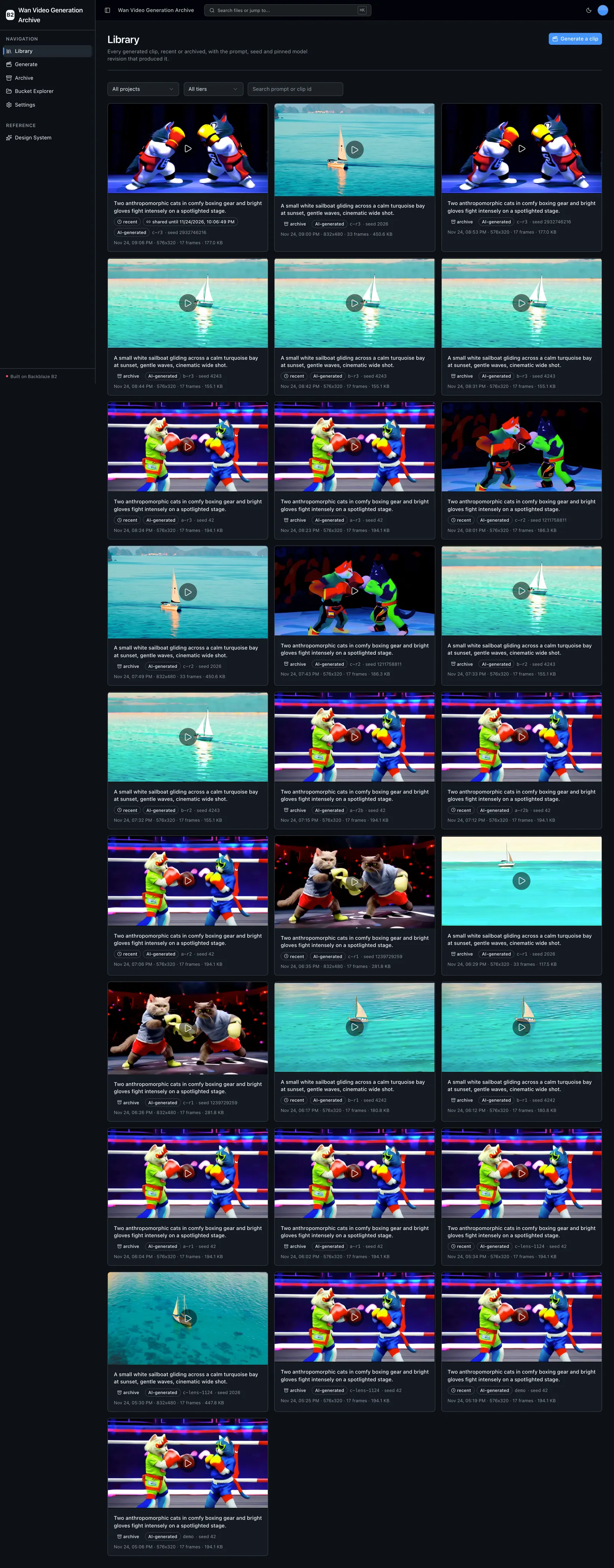
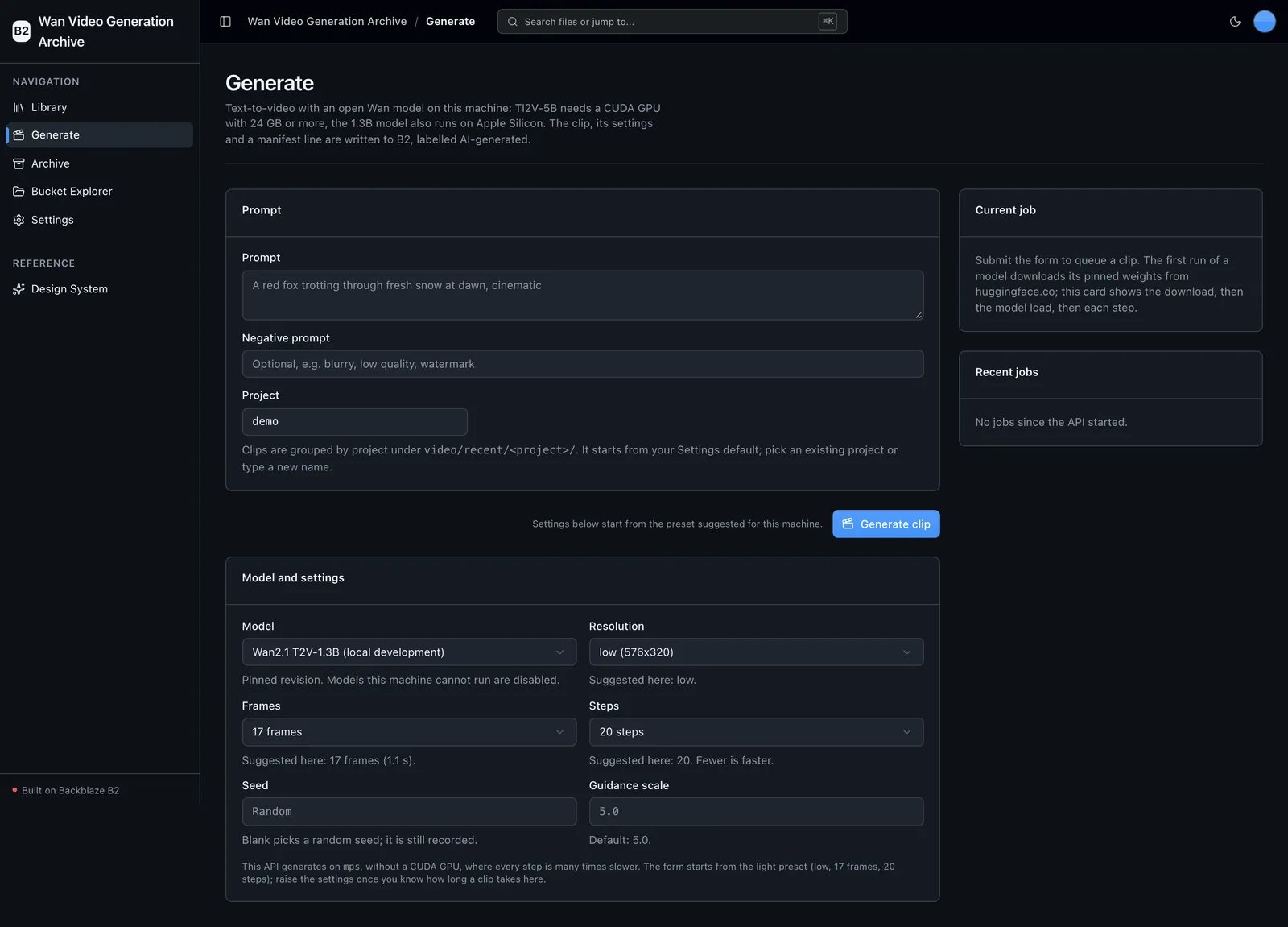
Wan2.2 text-to-video on one GPU, with every clip labelled AI-generated in its object metadata, its MP4 tags and its manifest line.
Clip library
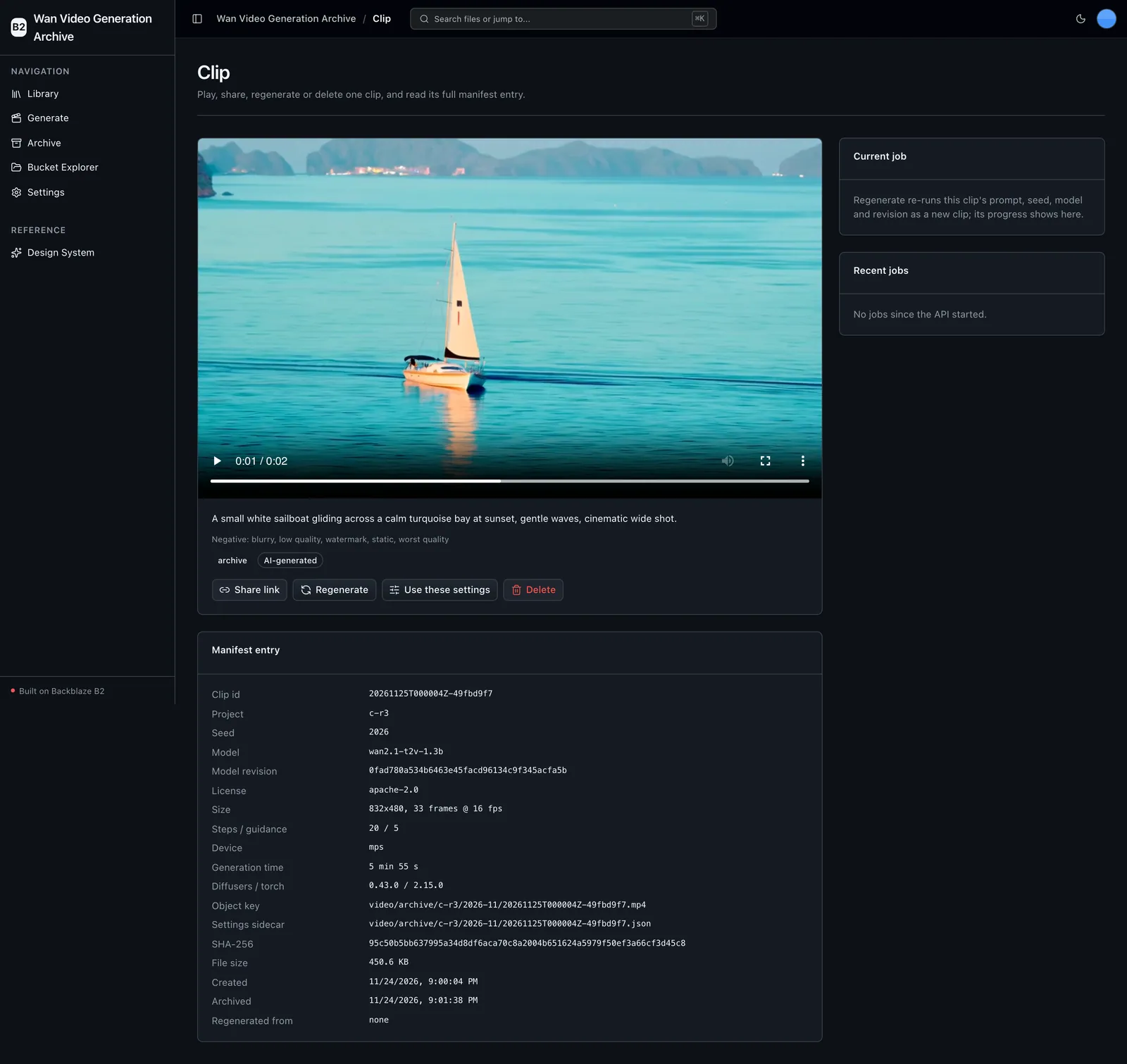
Browse clips by project and tier, with each manifest entry alongside the video.
Prompt-and-seed manifest
A per-project JSONL file records the prompt, seed, model revision, license and SHA-256 checksum for each clip.
Archive age job
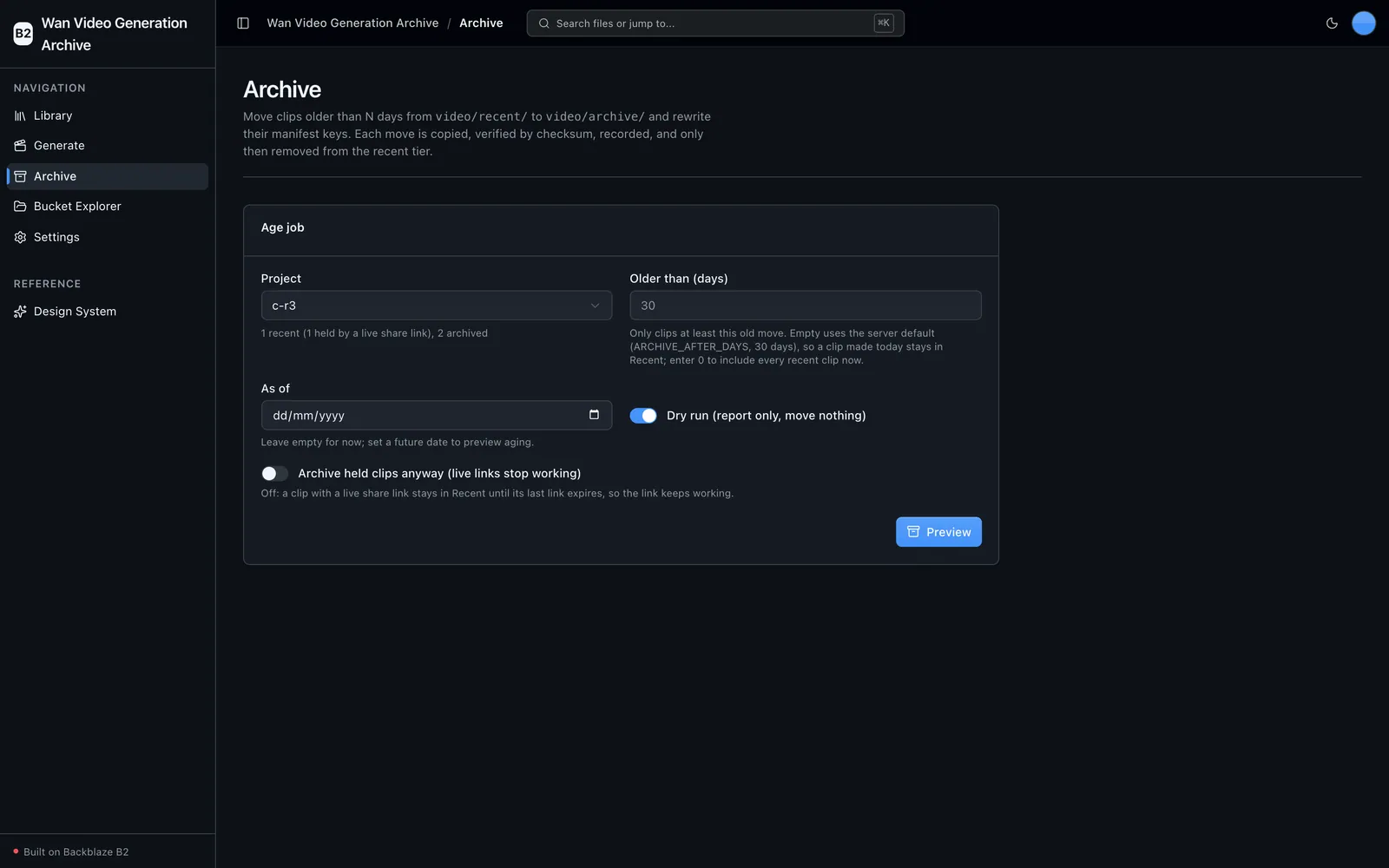
Copy older clips to the archive prefix inside the bucket, verify size and checksum, rewrite the manifest key, then remove the recent copy.
Expiring share links
Presigned links from one minute to seven days play a recent or archived clip in any browser without making the bucket public.
Regenerate from manifest
Re-run a clip from its recorded prompt, seed and pinned model revision.
Bucket explorer
Browse, preview and download every object in the bucket, with metadata extraction for images and documents.
A closer look
More screens from the running project.
Choose it for the right job
Wan Video Generation Archive is a head start for a specific shape of project, not a supported, general-purpose product.
Use it when
- You run an open video model on your own GPU and need every output traced to its prompt, seed and exact model revision.
- You want generated clips archived by age inside one bucket, without moving bytes back through the GPU host.
- You want to share a clip by an expiring signed link while the bucket stays private.
- You want a working reference for the generation-output lifecycle that you can clone, point at your bucket and extend.
Choose another path when
- You need a hosted video service: there are no user accounts, authentication or tenant isolation, and the API is unauthenticated and bucket-wide.
- You need batch scheduling, multi-GPU support, transcoding, streaming or image-conditioned video: jobs run one at a time in the API process and are lost on restart, and generation is text-to-video only.
- You cannot provide a CUDA GPU with 24 GB or more of VRAM for the default model: smaller GPUs can run the 1.3B development model, and CPU is impractically slow.
- You want to edit a clip's prompt, seed or model after the fact: those fields are its provenance, so a changed setting creates a new clip instead.
- You need the same lifecycle for images: see flux-b2-generation-output-lifecycle.
Project status and support
Report repository defects through GitHub Issues on the repository; it is provided as a sample with no SLA.